


Receipt Printer
- Filter By Brand
- Epson (16)
- HP (2)
- Zebra (47)
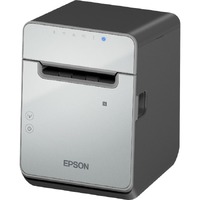
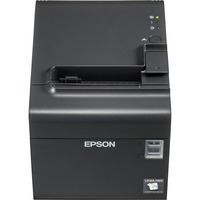
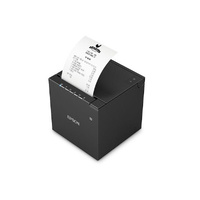
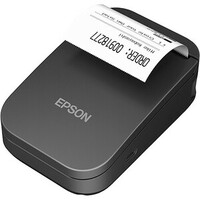
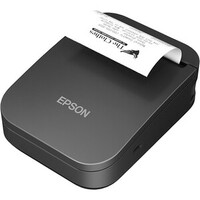
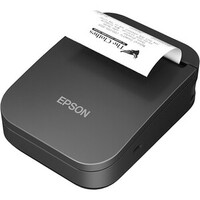
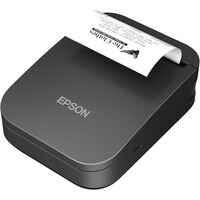
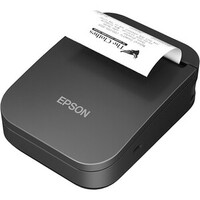
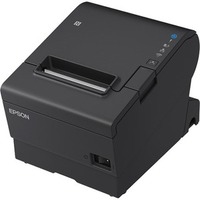
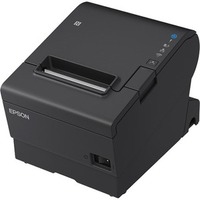
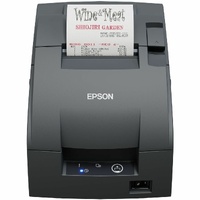
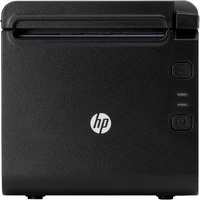
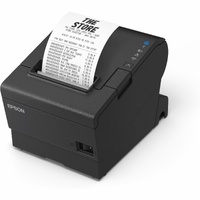
Receipt printers deliver fast, clear prints for transactions. Ideal for retail, restaurants, and service counters with thermal or impact options.




$1,136.95 29% off 1611.61
Zebra Thermal Transfer Printer (74/300M) ZD621; 300 dpi, USB, USB Host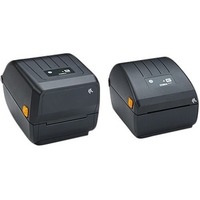

$1,080.94 29% off 1531.62
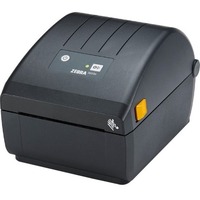
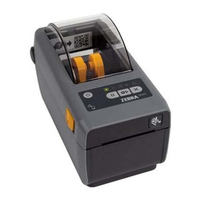
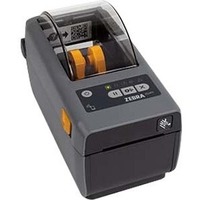
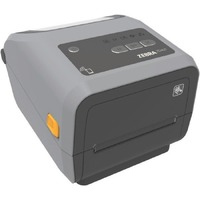
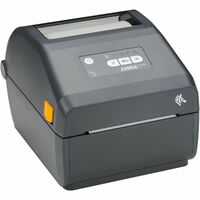
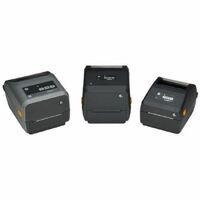
Zebra ZD421 Desktop Thermal Transfer Printer - Monochrome - Portable -
$1,080.94 29% off 1531.62
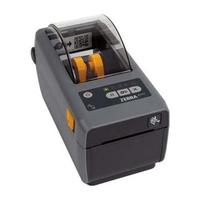
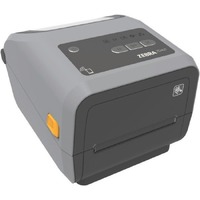
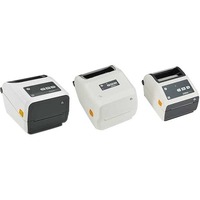
Zebra ZD421-HC Desktop Thermal Transfer Printer - Monochrome - Portabl


$1,108.91 17% off 1334.96
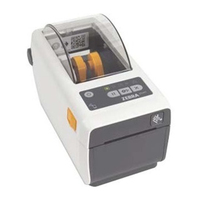
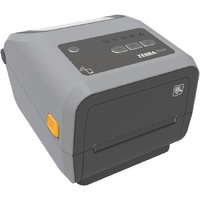
Zebra ZD510-HC Desktop Direct Thermal Printer - Monochrome - Wristband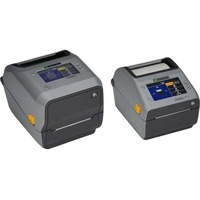
$1,022.53 29% off 1449.95
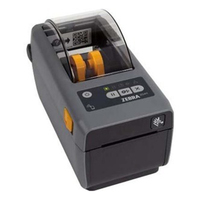
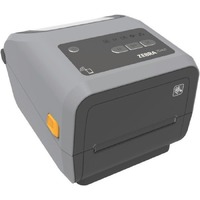
Zebra ZD621 Desktop Direct Thermal Printer - Monochrome - Label/Receip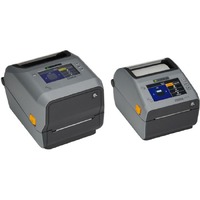
$1,363.27 30% off 1934.93
Zebra ZD621 Desktop Thermal Transfer Printer - Monochrome - Label/Rece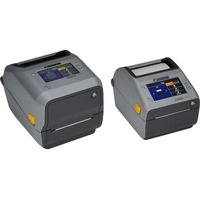
$1,250.11 30% off 1773.28
Zebra ZD621 Desktop Thermal Transfer Printer - Monochrome - Label/Rece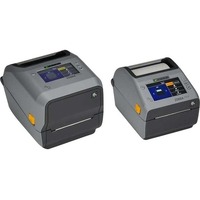
$1,023.78 29% off 1449.95
Zebra ZD621 Desktop Thermal Transfer Printer - Monochrome - Label/Rece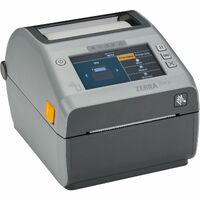
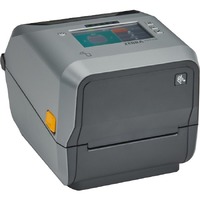
$3,350.96 17% off 4051.08
Zebra ZD621R Desktop Thermal Transfer Printer - Monochrome - Label/Rec
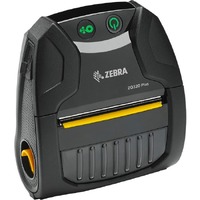
Why Choose a Receipt Printer?
Receipt printers are essential for fast, reliable transaction documentation in retail, hospitality, and service industries. They produce clear, professional receipts that support customer service, record-keeping, and business operations.
Find the Best Receipt Printer for Your POS System
Choosing the right receipt printer depends on your printing volume, connectivity needs, and paper type. We offer thermal and impact printers with USB, Ethernet, and Bluetooth optionsdesigned to integrate smoothly with modern POS setups.
Recommended Options for Efficient Printing
Top picks include high-speed thermal printers for quiet operation, compact models for limited counter space, and multi-interface units for flexible installation. Each printer is selected for print clarity, reliability, and ease of use.
FAQs about Receipt Printers
These are answers to some of the most common questions we get from our customers regarding receipt printers:
Thermal printers use heat-sensitive paper for fast, quiet printing, while impact printers use ink ribbons and are better for multi-copy receipts or kitchen environments.
Most receipt printers are compatible with major POS systems. Check for supported interfaces like USB, Ethernet, or Bluetooth to ensure proper integration.
It depends on usage. High-traffic businesses may replace rolls daily, while lower-volume setups may last weeks. Always use the correct paper type for your printer.