


Drive Enclosures
Protect and repurpose your drives with durable enclosures, ideal for converting internal HDDs or SSDs into portable, external storage solutions.
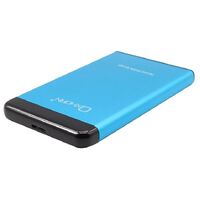
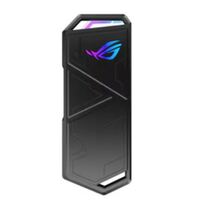
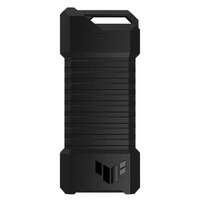
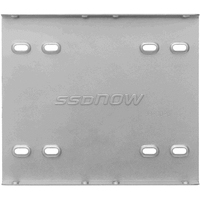
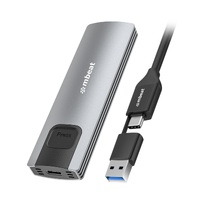
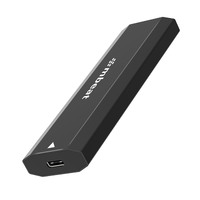
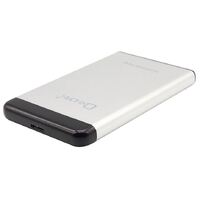
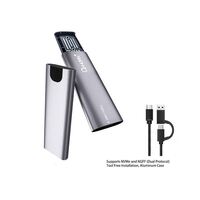
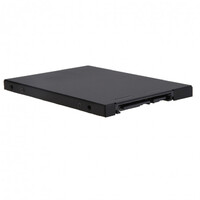
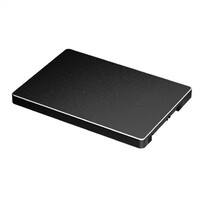
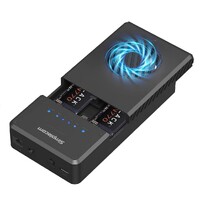
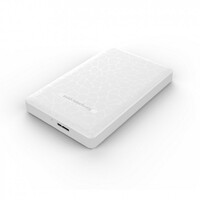
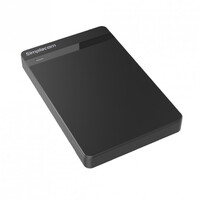
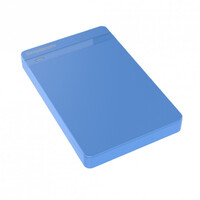
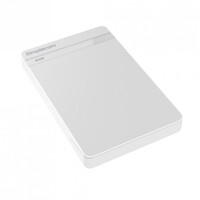
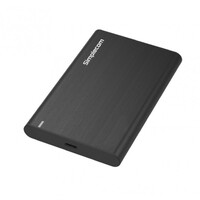
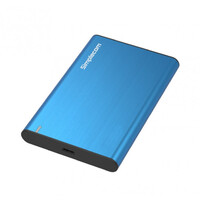
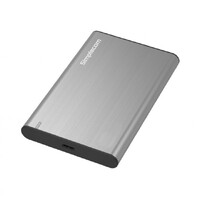
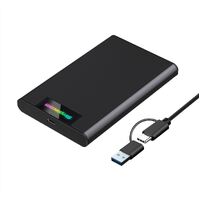
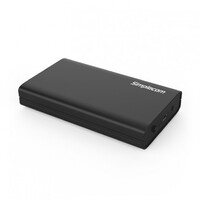
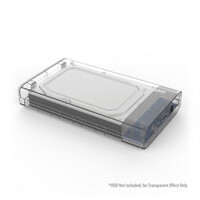
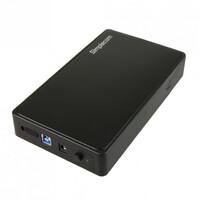
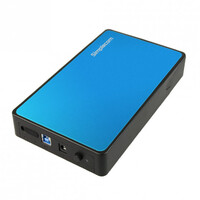
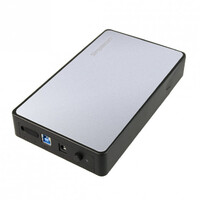
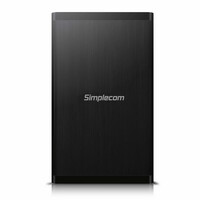
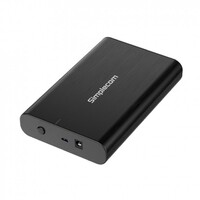
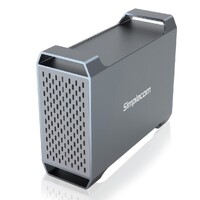
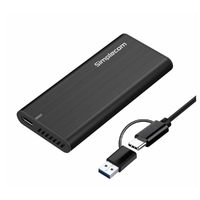
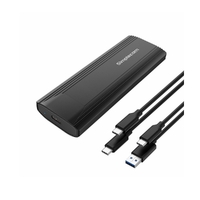
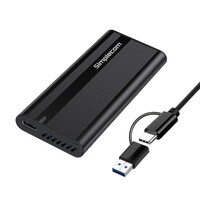
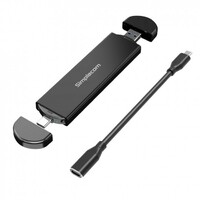
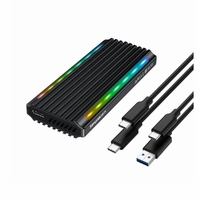
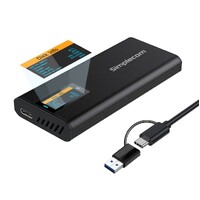
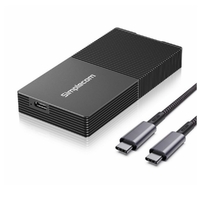
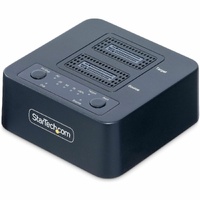
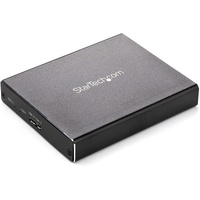
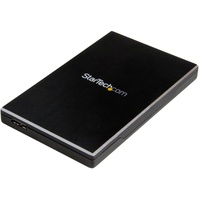
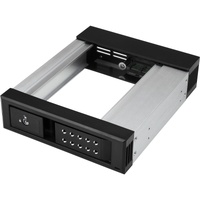
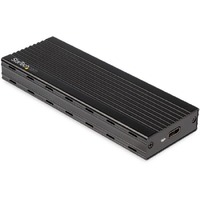
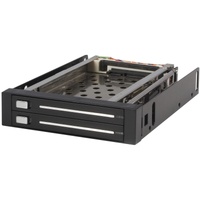
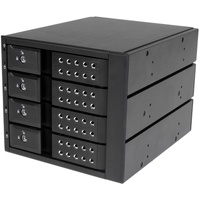
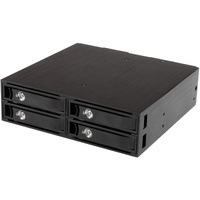
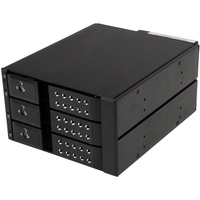
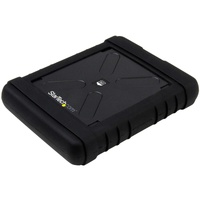
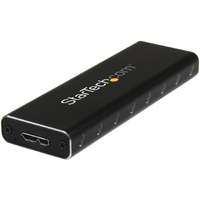
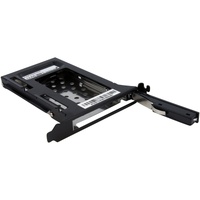
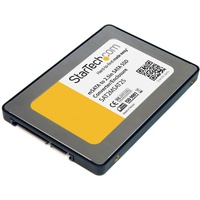
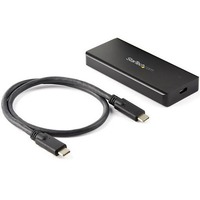
Drive Enclosures We Offer
At Flash Trend, we offer a versatile range of drive enclosures that allow you to convert internal hard drives and SSDs into portable, external storage solutions. Whether you're repurposing an old drive or building a custom external setup, our enclosures provide easy installation, reliable performance, and wide compatibility.
Available for both 2.5" and 3.5" drives, our enclosures support USB 3.0, USB-C, and eSATA interfaces, offering fast data transfer and plug-and-play convenience.
Drive Enclosure Frequently Asked Questions
Here are answers to some of the most common questions we receive about drive enclosures:
1. What Is a Drive Enclosure?
A drive enclosure is a protective casing that allows you to use an internal HDD or SSD as an external drive. It includes connectors and ports to interface with your computer via USB, USB-C, or other formats.
2. What’s the Difference Between 2.5" and 3.5" Enclosures?
- 2.5" enclosures are designed for laptop-sized drives and are usually bus-powered (no external power needed).
- 3.5" enclosures fit desktop-sized drives and typically require an external power adapter.
3. Can I Use an SSD in a Drive Enclosure?
Yes! SSDs work perfectly in enclosures and benefit from fast transfer speeds, especially when paired with USB 3.1 or USB-C interfaces. Just ensure the enclosure supports the drive size and interface.
4. How Do I Install a Drive into an Enclosure?
Installation is simple:
- Open the enclosure
- Insert the drive into the connector
- Secure it (if required)
- Close the casing and connect it to your device
Most enclosures are tool-free, while others may require screws.
5. Are Drive Enclosures Compatible with Mac and Windows?
Yes, most enclosures are cross-platform compatible. Format the drive to exFAT for use with both macOS and Windows. Some enclosures also support Linux and smart TVs.
6. What Transfer Speeds Can I Expect?
Speeds depend on:
- The drive type (HDD vs SSD)
- The interface (USB 2.0, USB 3.0, USB-C, etc.)
For example, USB 3.0 can reach up to 5Gbps, while USB-C (Gen 2) can go up to 10Gbps or more.
Contact Flash Trend
Need help choosing the right drive enclosure? Fill out our email enquiry form, call us at 02 8959 8446, or email sales@flashtrend.com.au. We’ll help you find the perfect enclosure for your storage needs.