

SSD Drives (Internal)
Browse internal SSDs for faster boot times, improved system performance, and reliable storage, perfect for upgrading desktops and laptops efficiently.

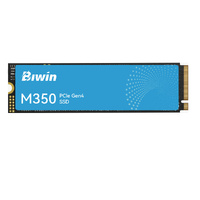
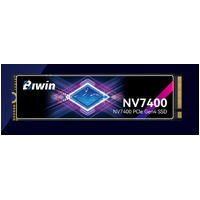
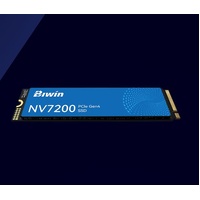
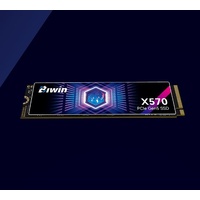
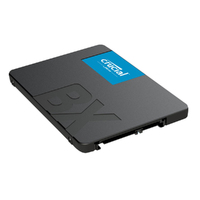
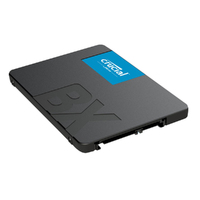
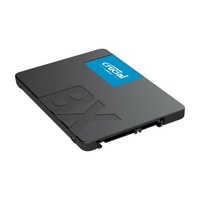

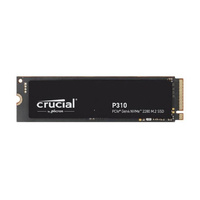
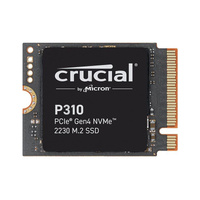
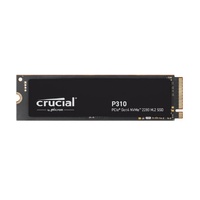
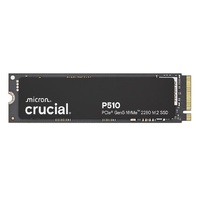
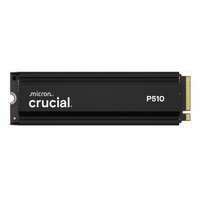

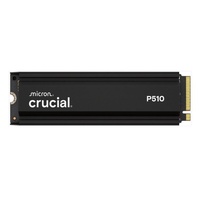
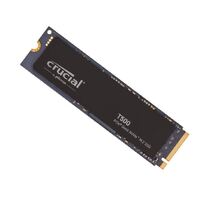


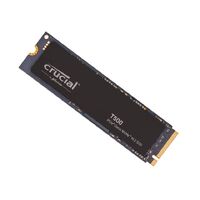
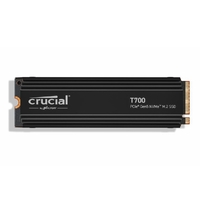


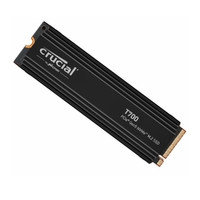
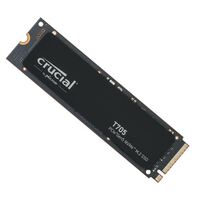
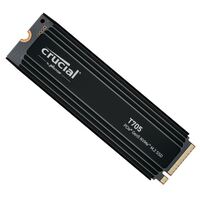
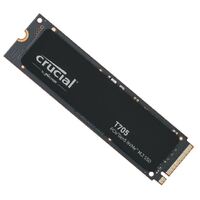
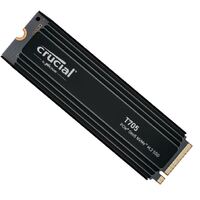
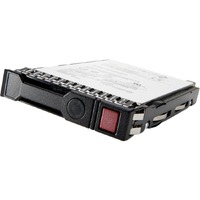
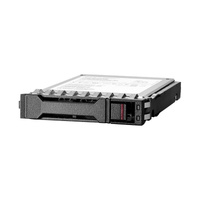
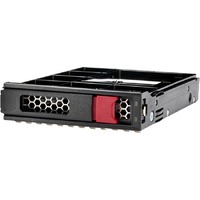
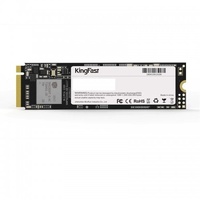
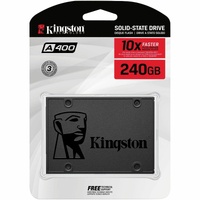
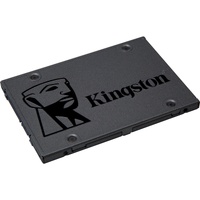
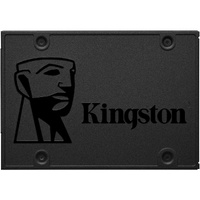
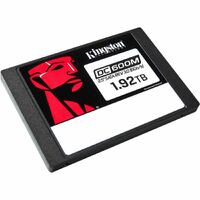
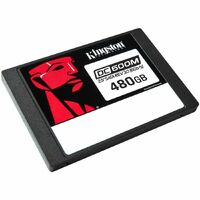
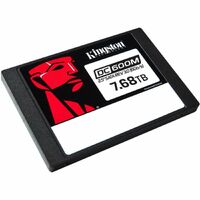
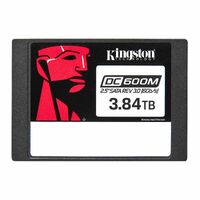
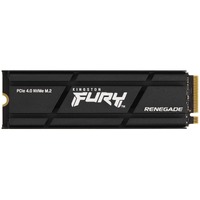
Internal SSD Drives We Offer
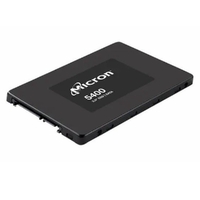
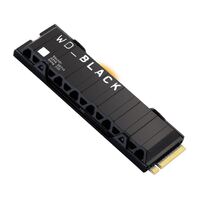
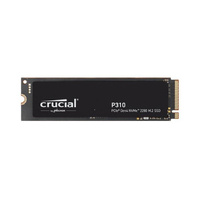
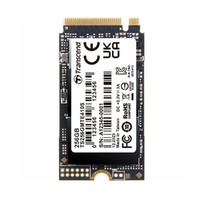
At Flash Trend, we offer a high-performance range of internal SSD drives designed to upgrade your system’s speed, responsiveness, and reliability. Whether you're building a PC, upgrading a laptop, or enhancing a gaming rig, our SSDs deliver faster boot times, quicker file access, and smoother multitasking.
Available in both SATA and NVMe (PCIe) formats, our SSDs come in capacities ranging from 250GB to 2TB and beyond, offering blazing-fast performance for every need.
Internal SSD Drive Frequently Asked Questions
Here are answers to some of the most common questions we receive about internal SSDs:
1. What’s the Difference Between SATA and NVMe SSDs?
- SATA SSDs connect via traditional SATA ports and offer speeds up to 600MB/s.
- NVMe SSDs use PCIe lanes and can reach speeds of 3,000MB/s to 7,000MB/s, depending on the generation.
NVMe is ideal for gaming, video editing, and heavy multitasking.
2. Will an SSD Improve My Computer’s Performance?
Yes! SSDs significantly reduce boot times, application loading, and file transfer speeds compared to traditional hard drives. They also consume less power and produce no noise.
3. How Do I Know If My System Supports NVMe SSDs?
Check your motherboard’s specifications for M.2 slots and PCIe support. Most modern desktops and laptops support NVMe, but older systems may only support SATA SSDs.
4. Can I Install an SSD Myself?
Yes, installing an SSD is usually straightforward. For SATA SSDs, connect the drive to a SATA port and power cable. For NVMe SSDs, insert it into the M.2 slot and secure it with a screw. Always check your device’s manual for guidance.
5. What Format Should I Use for a New SSD?
For Windows systems, format the SSD to NTFS. For macOS, use APFS or Mac OS Extended. You can format the drive during installation or via Disk Management (Windows) or Disk Utility (macOS).
6. How Long Do Internal SSDs Last?
Modern SSDs have a lifespan of 5–10 years or more, depending on usage. Most come with TBW (Terabytes Written) ratings and warranties ranging from 3 to 5 years. NVMe drives often include built-in health monitoring tools.
Contact Flash Trend
Need help choosing the right internal SSD for your system? Fill out our email enquiry form, call us at 02 8959 8446, or email sales@flashtrend.com.au. We’ll help you find the perfect upgrade for your setup.