


Extreme Pro - SD & CF Cards
- Filter By Brand
- SanDisk (18)
- Filter By Device
- Camera & Drone
- Filter By Type
- SD Card
- Filter By Model
- Extreme Pro
- Filter By Storage Capacity
- 1TB
- 512GB
- 256GB
- 128GB
- 64GB
- 32GB
Shop Extreme Pro SD and CF cards for elite speed, durability, and performance. Perfect for 4K/8K video, RAW photography, and pro-level workflows.
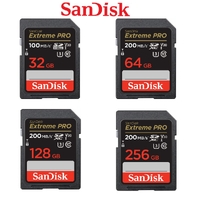
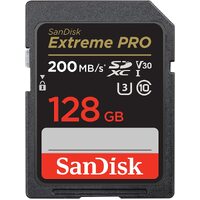
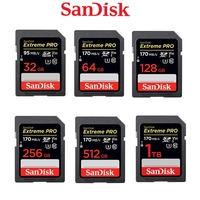
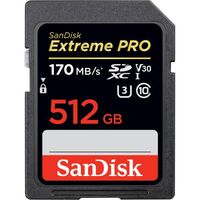
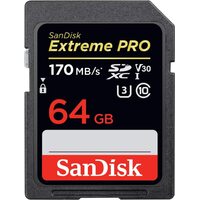
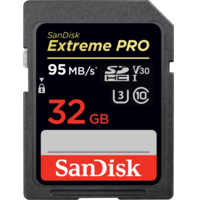
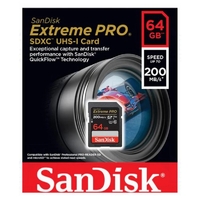
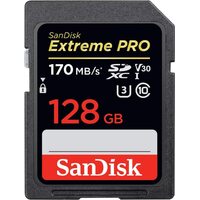
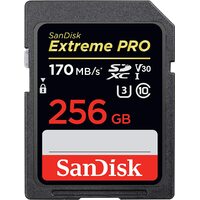
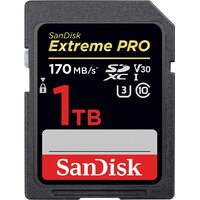
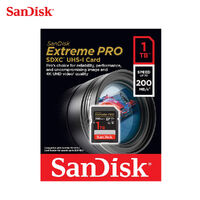
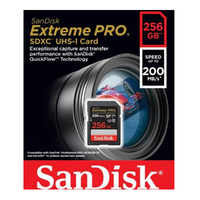
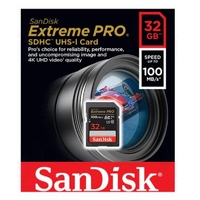
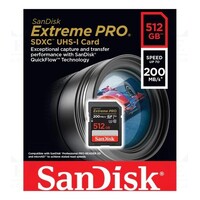
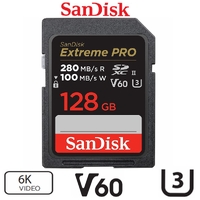
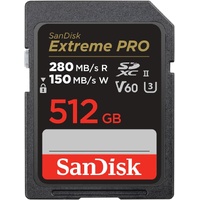
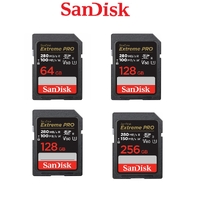
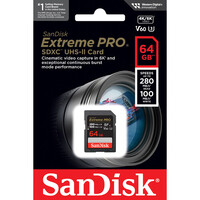
Extreme Pro SD & CF Cards
At Flash Trend, we carry the top-tier Extreme Pro SD and CF cards, engineered for professionals who demand uncompromising speed, reliability, and performance. These cards are perfect for 4K/8K video, RAW photography, and high-speed continuous shooting.
We also have brands available to choose from:
Extreme Pro cards are built to handle intensive workflows, with high-speed data transfer, robust error correction, and resistance to water, shock, and extreme temperatures.
Extreme Pro SD & CF Cards Frequently Asked Questions
1. What’s the difference between Extreme and Extreme Pro cards?
Extreme Pro cards offer higher read/write speeds, better endurance, and are optimized for professional-grade tasks like 8K video and RAW burst photography. They also often support UHS-II and V90 speed classes.
2. Are Extreme Pro SD cards compatible with all cameras?
They’re compatible with most cameras that support SDHC or SDXC formats. However, to benefit from UHS-II speeds, your camera must support that interface. Otherwise, the card will operate at standard speeds.
3. Can I use Extreme Pro CF cards for professional video production?
Yes. These cards are ideal for high-resolution video formats, including 4K and 8K. Their high sustained write speeds ensure smooth recording without dropped frames.
4. How do I maximize performance with Extreme Pro cards?
Use them with devices that support UHS-II or fast CF interfaces. Also, use a compatible high-speed card reader for faster transfers to your computer.
5. Are Extreme Pro cards safe for outdoor and travel use?
Absolutely. They’re built to withstand extreme temperatures, water, shock, and X-rays, making them ideal for fieldwork and travel photography.
6. How do I format an Extreme Pro SD or CF card?
Use your camera’s format function for best results. On a computer, use Disk Utility (Mac) or File Explorer (Windows). For optimal performance, consider using the SanDisk Memory Zone app or a dedicated formatting tool.
Contact Flash Trend
Need help selecting the right Extreme Pro card for your gear?
Complete our email enquiry form, call us at 02 8959 8446, or email sales@flashtrend.com.au. We’ll help you find the perfect card for your workflow.